Free and open source · Windows

Gears that mesh before you print them.

GearForge designs involute gears and drives, checks how every pair will run, and exports print files, STEP, drawings and parametric CAD scripts in one click.

One 20 MB program for Windows 10 and 11. Nothing to install.

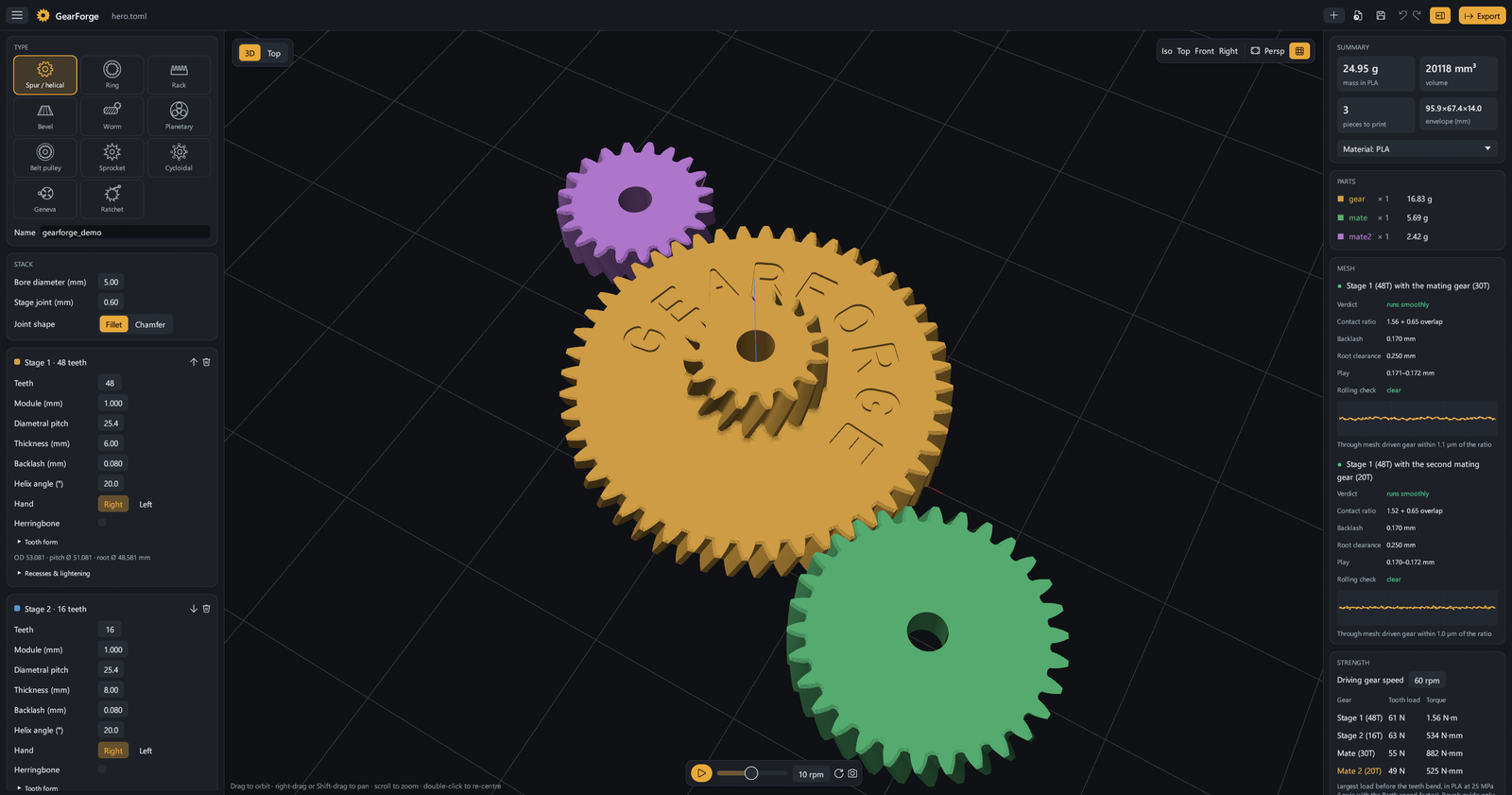
The GearForge editor: a 48-tooth helical gear engraved GEARFORGE with a 16-tooth stage on top and two mating gears, the parameter panel on the left, and the mesh analysis with its plots on the right.
11 part types 14 export formats 105 automated tests STEP checked in Inventor 2026
What it makes

From a single spur gear to a whole drive.

Pick a type or one of about 30 presets, edit the numbers, and watch the parts turn at their real ratios.

Spur and helical gears

One gear or a compound stack, spur, helical or herringbone, with up to two mating gears in mesh.

Internal ring gears

Teeth on the inside of a rim, spur, helical or herringbone.

Racks

Straight or helical, with a solid back.

Bevel gears

Straight bevels for any shaft angle, sized from the mating gear.

Worm and wheel

1 to 8 starts, with a wheel cut the way its worm would cut it.

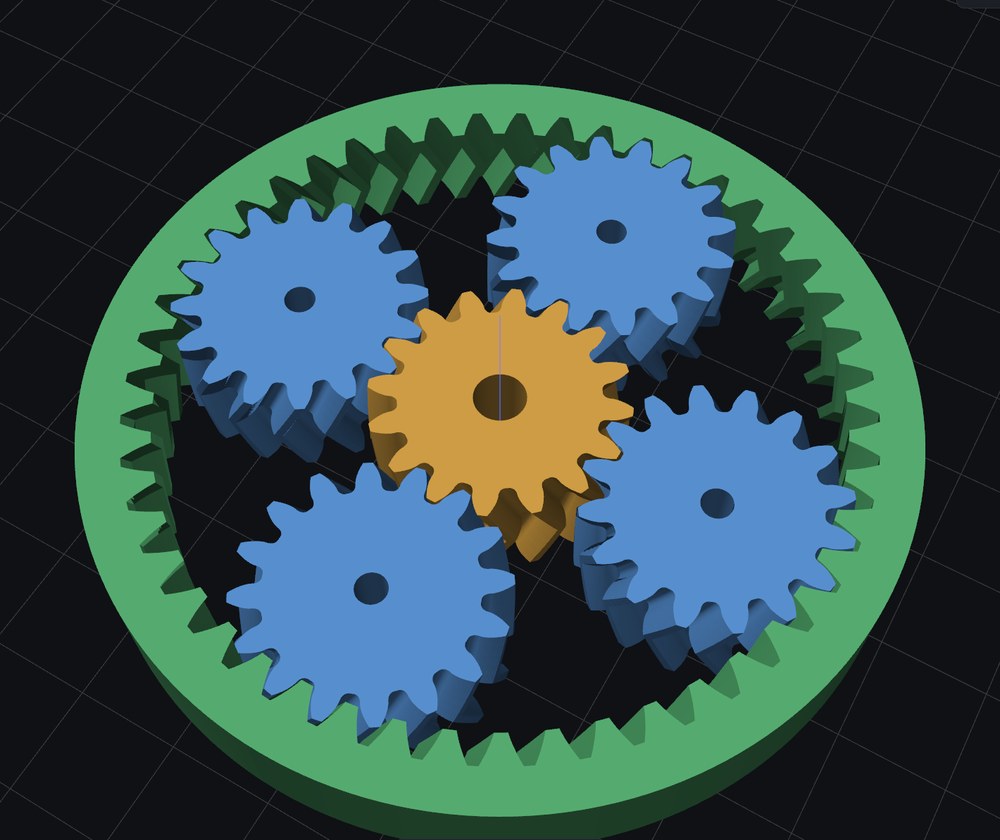
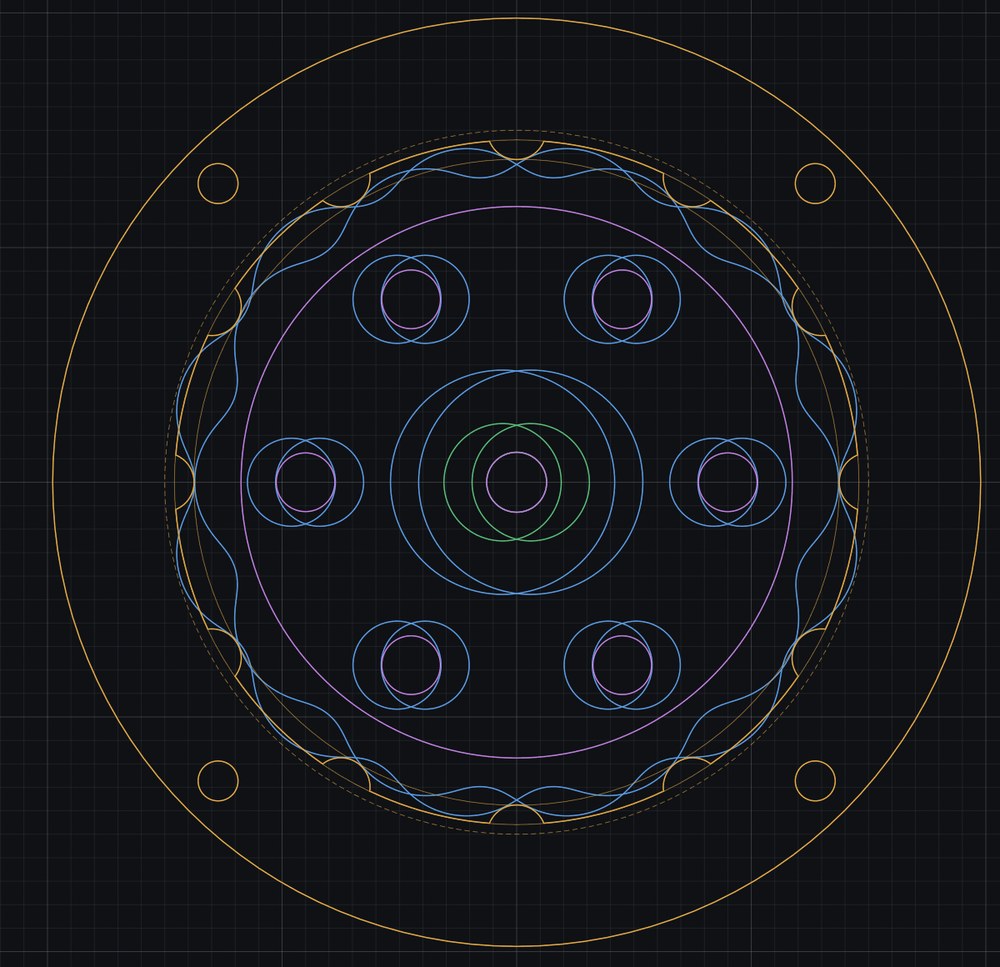
Planetary sets

Sun, planets and ring, phased so every planet meshes.

Timing belt pulleys

GT2 and HTD, flanges and hub, and a drive sized from the belt length.

Chain sprockets

ISO 606 teeth for standard roller chains, with chamfered sides.

Cycloidal drives

Lobed discs, pins, eccentric cam and output carrier, worked out exactly.

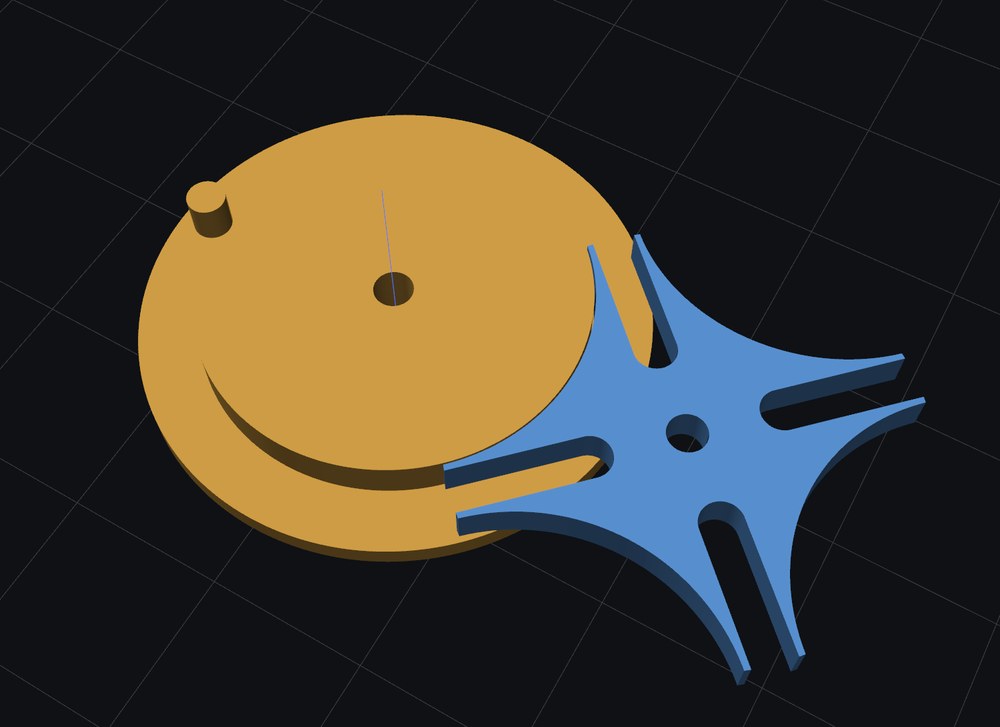
Geneva drives

A slotted wheel that turns one slot per turn of its crank, locked in between.

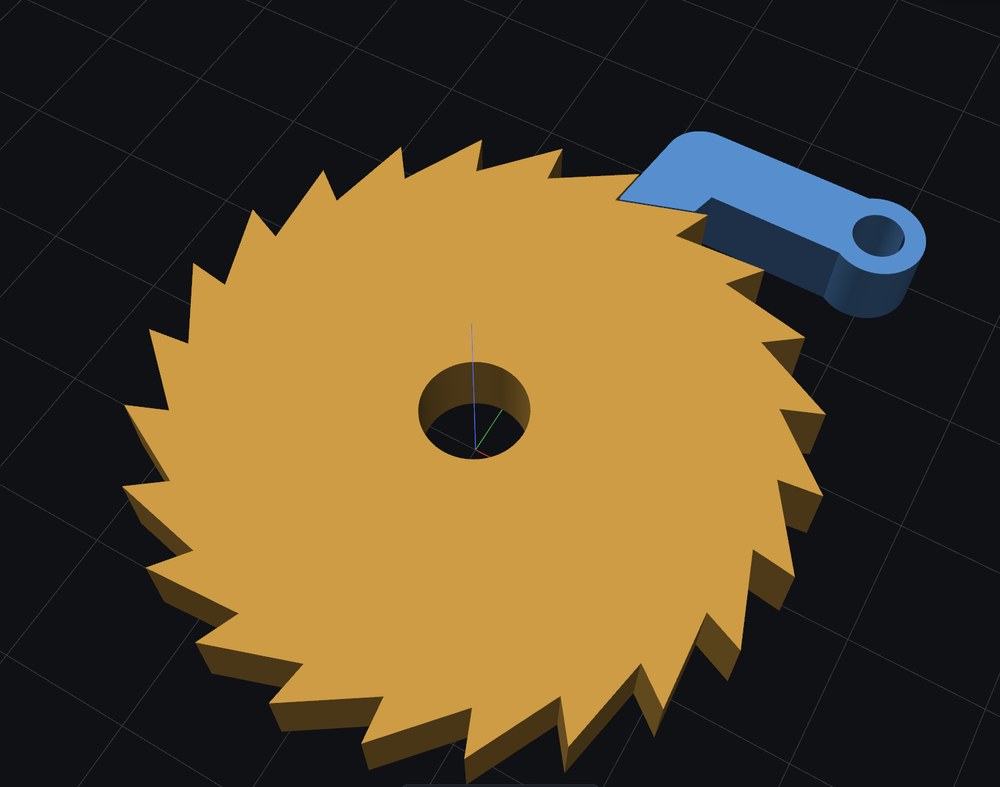
Ratchet and pawl

A wheel that turns one way only, with a pawl shaped to sit in its teeth.

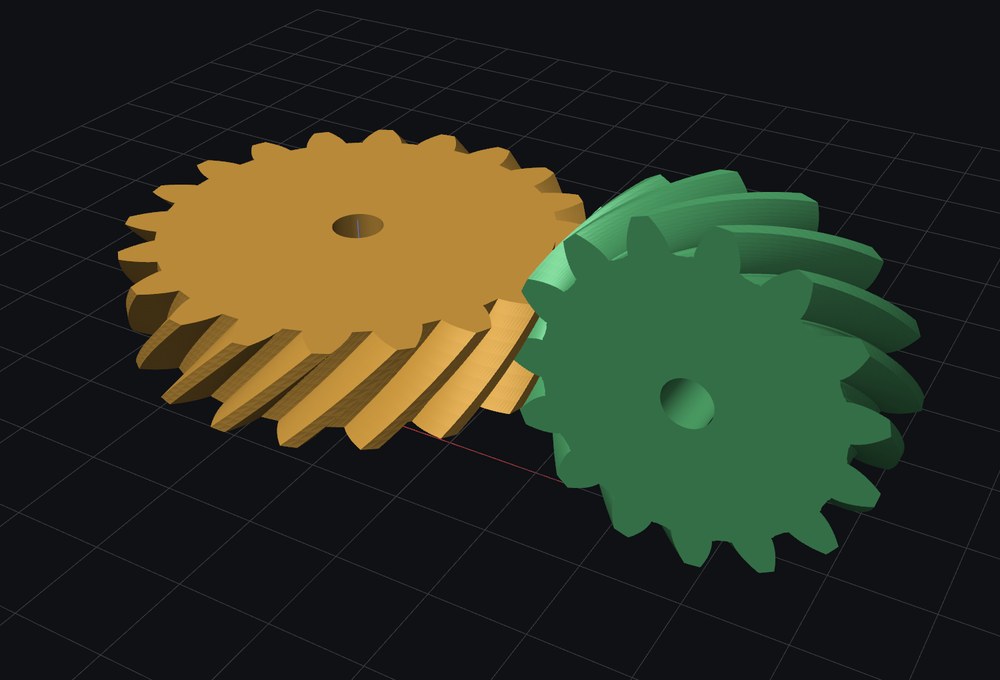
Crossed helical pairs

A mating gear on a shaft crossing the stack's, 90° or any angle down to 10°.
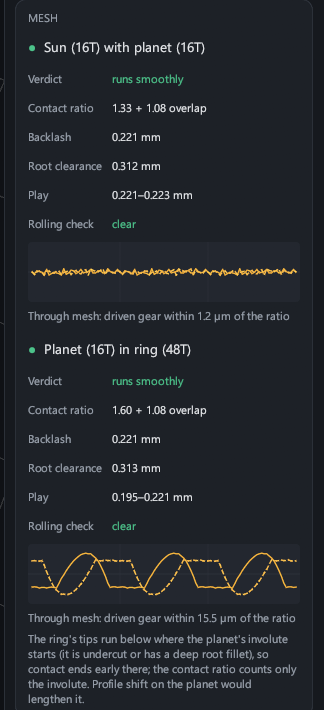
The Mesh card for a planetary set: verdicts, contact ratios, backlash, play and plots of each driven gear against the tooth ratio.
Checks

Know it runs before it's printed.

Every meshing pair gets a verdict, runs smoothly, runs roughly or won't run properly, with what to change.

Contact ratio, backlash and root clearance at the centre distance the parts are really built at, counting only true involute contact.

Rolling check: the real tooth outlines, root fillets and all, are rolled through mesh to catch tip interference the formulas miss.

Stepped through mesh: the play at every step and where the driven gear sits against the ratio, plotted for each pair.

Strength guide: the tooth load and torque each gear should carry before its teeth bend, in the material you print.

Made for printing

The details that make printed gears work.

Print fit

Grow every hole by what your printer closes up, and pull in the squashed first layer, in the print files only.

Edge chamfers and fillets

Chamfer tooth edges so gears slide into mesh, and fillet or chamfer the joints between stages.

Engraved labels

Teeth and pitch, or your own text, cut into a face round the bore, mirrored to read right on a bottom face.

Gearbox housing

Two plates on pillars holding every shaft at its centre distance, with bearing pockets from 683 to 6804.

Clearance test

A test print of numbered gear pairs at several backlash values, to tune your printer once.

Copy an existing gear

Measure it with calipers, or trace a scan or photo, and GearForge finds the module or DP, pressure angle and shift.

Exports

Everything in one click.

Print files, CAD, drawings and a spec sheet, written together into the folder you pick.

STLone per part, watertight 3MFevery part laid out on the bed OBJparts and assembly STEPfaceted, every feature Smooth STEPtrue arcs and B-spline flanks STEP assemblyevery part in place DXFprofiles for laser and CNC SVGprofiles at true scale PDF drawingsA4, with gear data OpenSCADprofiles and parts Inventorparametric iLogic rule SolidWorksparametric macro Spec sheetdimensions, checks, weights

The Inventor rule builds the gear natively with real involute curves, driven by named parameters you can edit; it was run in Inventor 2026 for every gear type. Smooth STEP files were imported into Inventor 2026 as valid solids within 0.1% of GearForge's own volumes. The SolidWorks macro hasn't been run in SolidWorks yet.

Get started

Up and running in a minute.

Download

Get gearforge.exe from the latest release. It's one file for Windows 10 or 11.

Run it

Double-click it. If Windows says it protected your PC, the program just isn't signed: choose More info, then Run anyway.

Design and export

Pick a type or a preset, set the teeth and module, check the Mesh card, and press Export.

From the command line

# write every format without opening the editor
gearforge export my_gear.toml out
# start a new gear file
gearforge example > my_gear.toml

Build from source

# Rust (GNU toolchain) and MinGW-w64 on PATH
git clone https://github.com/sheetdeveloper/gearforge
cd gearforge
cargo build --release